

Unseen Reality

THE UNSEEN REALITY JOURNAL

A different view
of everyday work.

Practical guides to spatial displays, portable workspaces, and the tools we use along the way.

Latest stories

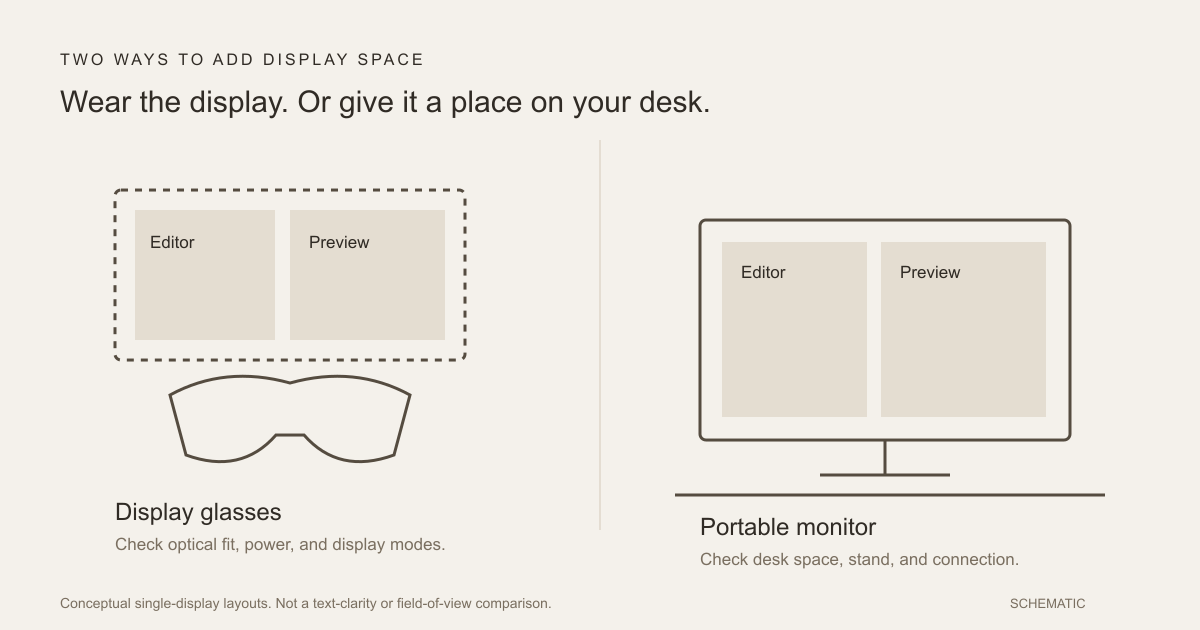
Diagram comparing a wearable single display with a physical portable monitor.

Developers

AR Glasses vs Portable Monitors for Coding

Choose a portable display for coding: compare AR glasses and portable monitors on text readability, desk space, sharing, power, and software requirements.

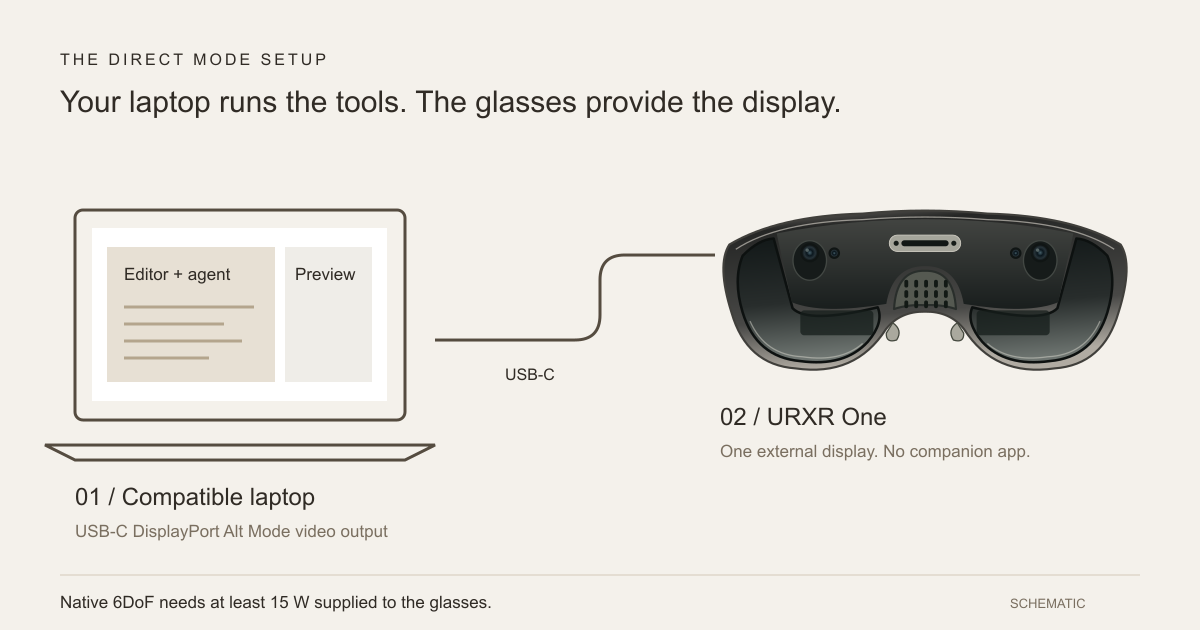
Diagram of a laptop connected to URXR One over USB-C for one external display.

Developers

A Portable Vibe Coding Setup With URXR One: Direct Mode Guide

Build a portable vibe coding setup with your laptop and URXR One. Check USB-C video, 15 W power for native 6DoF, and an agent/editor/preview workflow.

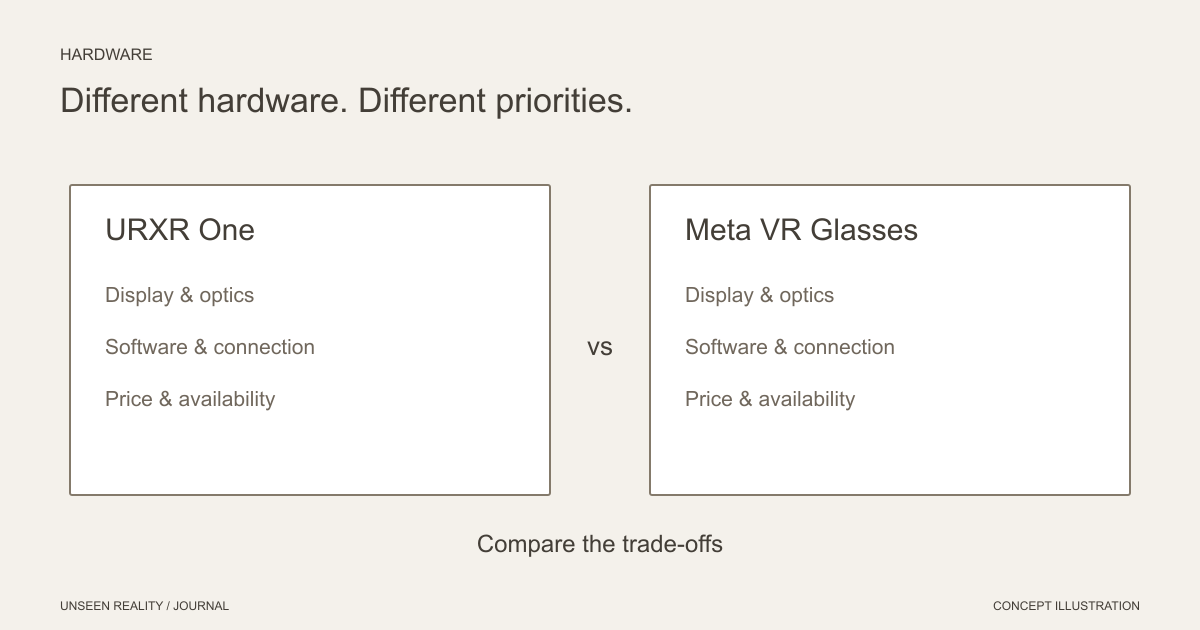
Different hardware. Different priorities.: URXR One, Meta VR Glasses, and Compare the trade-offs. Concept illustration.

Hardware

URXR One vs Meta VR Glasses: $999 Now, or $1,300 in Spring 2027?

Meta announced its VR Glasses at $1,300 for Spring 2027, with a 300-gram puck in your pocket. URXR One is $999 and ships this October with nothing but a cable. Here is the honest spec-by-spec comparison, including where Meta clearly wins.

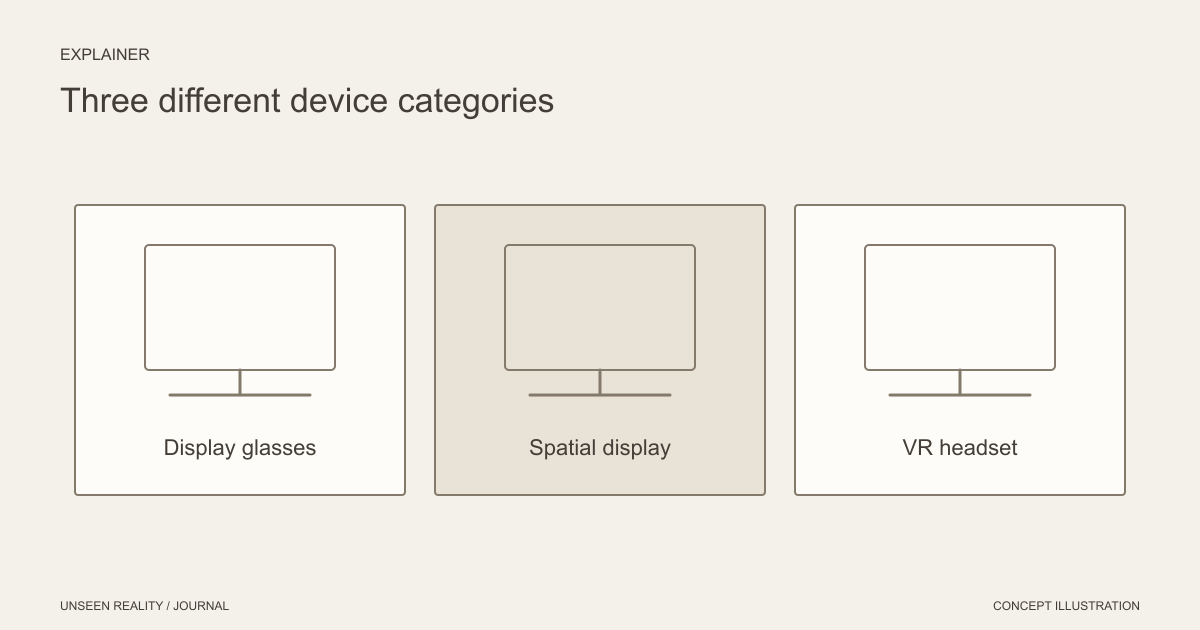
Three different device categories: Display glasses, Spatial display, and VR headset. Concept illustration.

Explainer

VR Glasses in 2026: What They Are, and Which Ones Actually Exist

VR glasses are glasses-shaped wearables that put a large virtual screen in front of your eyes. Almost none of them are standalone VR. Here is what the term really covers, which devices you can buy today, and how to tell a wearable monitor from a VR headset.

Questions from the community: Connection, Display modes, and Software. Concept illustration.

Kickstarter Q&A

URXR One Live Q&A: Every Question Answered

The full list of questions and answers from the URXR One Kickstarter live on September 1, 2026: connection and display modes, power, optics and brightness, tracking, fit and prescription, software, and quality control.

Choose by the job: Everyday work, Entertainment, and Travel. Concept illustration.

Buying Guide

Best Display Glasses 2026: Ranked by What You Actually Want

The best display glasses of 2026, ranked honestly by use case. The Viture Beast wins for most people, but the right pick depends on whether you want a viewing screen or a spatial workspace, and how much you want to spend.

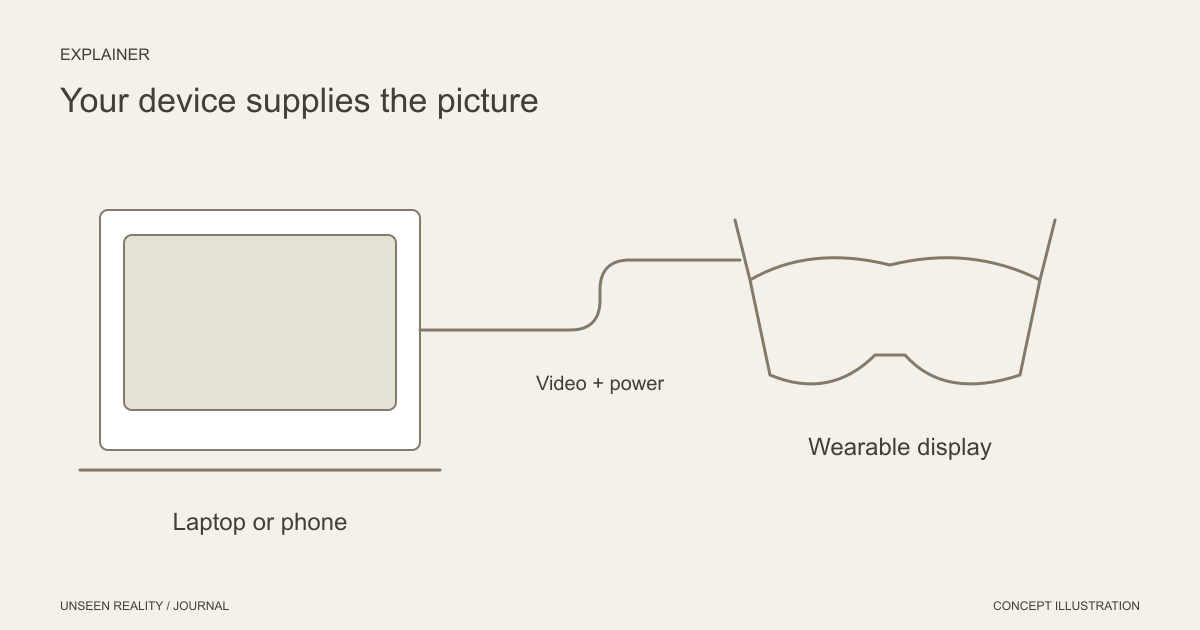
Your device supplies the picture: Laptop or phone, Video + power, and Wearable display. Concept illustration.

Explainer

What Are Display Glasses? How They Work and How to Choose in 2026

Display glasses are lightweight glasses you plug into a phone, laptop, or console to see a large private virtual screen in front of you. Here is how they work, how they differ from VR headsets and smart glasses, and the specs that decide whether they are any good.

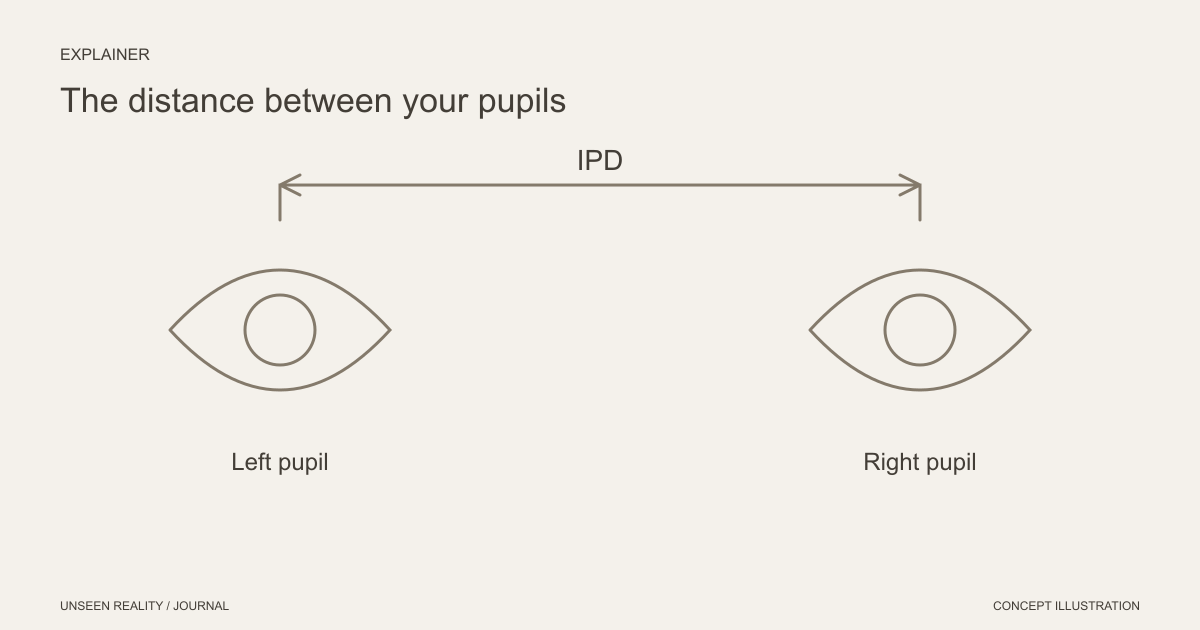
The distance between your pupils: Left pupil, IPD, and Right pupil. Concept illustration.

Explainer

What Is IPD? How to Measure Yours, and Why Optics Change the Tolerance

IPD is the distance between your pupils. Here is how to find yours in thirty seconds, what a published IPD range does and does not tell you, and, for anyone who wants it, the optics underneath.

Notes from a hands-on session: Connections, Experience, and Limitations. Concept illustration.

Hands-On

A Discord Member Met Me in Taipei and Tested URXR One All Afternoon. Here Is His Review, Unedited.

Our founder posted a photo from Taipei on Discord. A member asked to meet, we met the same day, and he spent an afternoon testing URXR One against four of his own devices. His full write-up is republished here with his permission, including the device that did not work.

What can you verify?: Specifications, Hands-on notes, and Open questions. Concept illustration.

Buying Guide

URXR One Review Hub: Verified Specs, Hands-On Notes, and Live Updates

URXR One video reviews, creator coverage, published specifications, and the questions to check before choosing a wearable display.

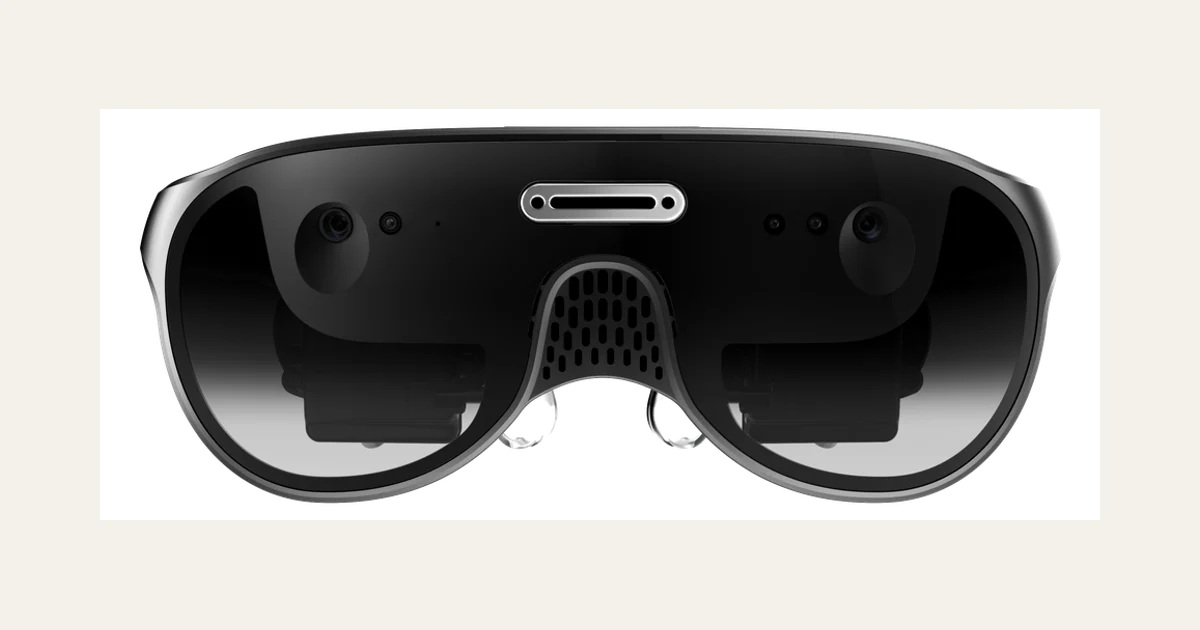
Front view of URXR One spatial display glasses.

Hardware

What Is URXR One? The 93-Gram Spatial Display Glasses Explained

URXR One is a 93-gram pair of spatial display glasses from Unseen Reality that plug into any USB-C device to place sharp virtual screens in front of you, with 6DoF tracking and hand gestures through a free companion app.

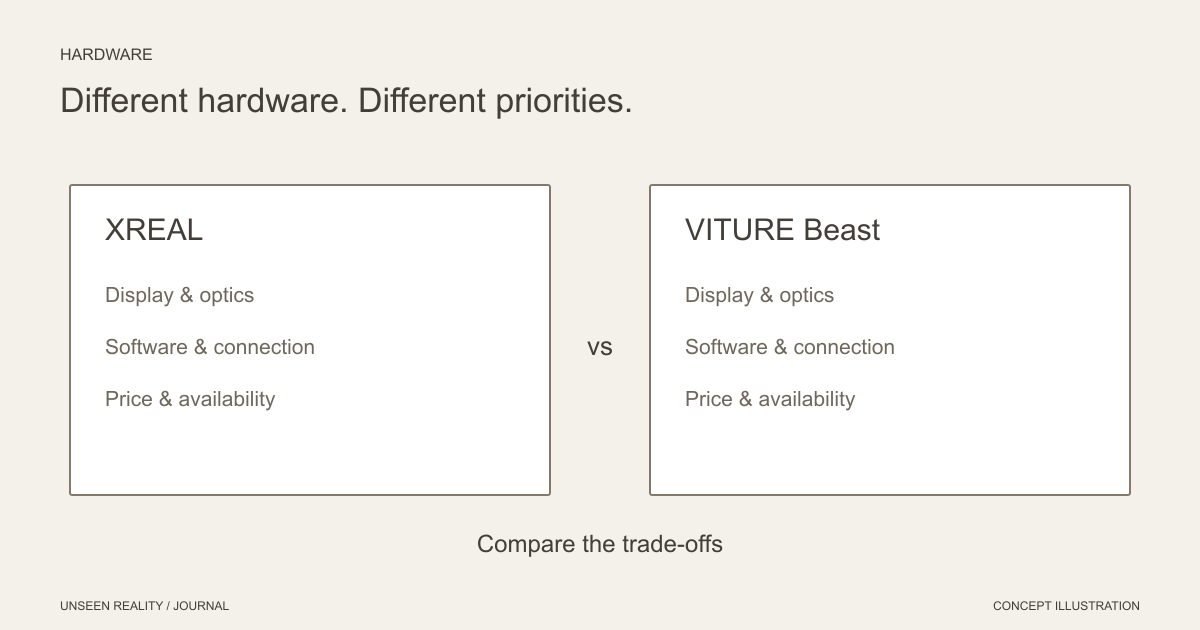
Different hardware. Different priorities.: XREAL, VITURE Beast, and Compare the trade-offs. Concept illustration.

Hardware

XREAL vs Viture: Which AR Display Glasses Should You Buy?

XREAL One Pro and Viture Beast are the two flagship AR display glasses most people compare. The Beast wins on brightness and price; the One Pro wins on ecosystem and its X1 spatial chip. Here is the full breakdown.

Look for evidence: Product demos, Published facts, and Independent accounts. Concept illustration.

Buying Guide

Is Unseen Reality Legit? An Honest Answer About URXR One

Unseen Reality is a real spatial computing company based in Mountain View, California, and URXR One is a working product that was publicly demoed at AWE 2026. Here is what you can verify, and what is still unproven.

Before you place an order: Price, Package contents, and Delivery updates. Concept illustration.

Buying Guide

URXR One Kickstarter: Price, Shipping, and Where It Ships

URXR One Kickstarter fulfillment is scheduled for November–December 2026. Check current pricing, separate accessory timing, supported regions, and campaign updates.

Read the specification sheet: Display, Tracking, and Connection. Concept illustration.

Hardware

URXR One Specs Explained: The Full Spec Sheet in Plain English

URXR One is a 93-gram pair of spatial display glasses with dual 2448 by 2064 micro-OLED panels, a 90 degree diagonal field of view, roughly 36 PPD per eye, and on-glasses 6DoF tracking. Here is what every number on the spec sheet actually means.

Start with what you want to do: Desktop work, Movies, and VR apps. Concept illustration.

Buying Guide

The Best Apple Vision Pro Alternatives in 2026

Apple Vision Pro has the best image quality you can wear, but at $3,699, 750 grams, and a hard Apple-silicon-Mac requirement. Here are the best alternatives by what you actually want to do.

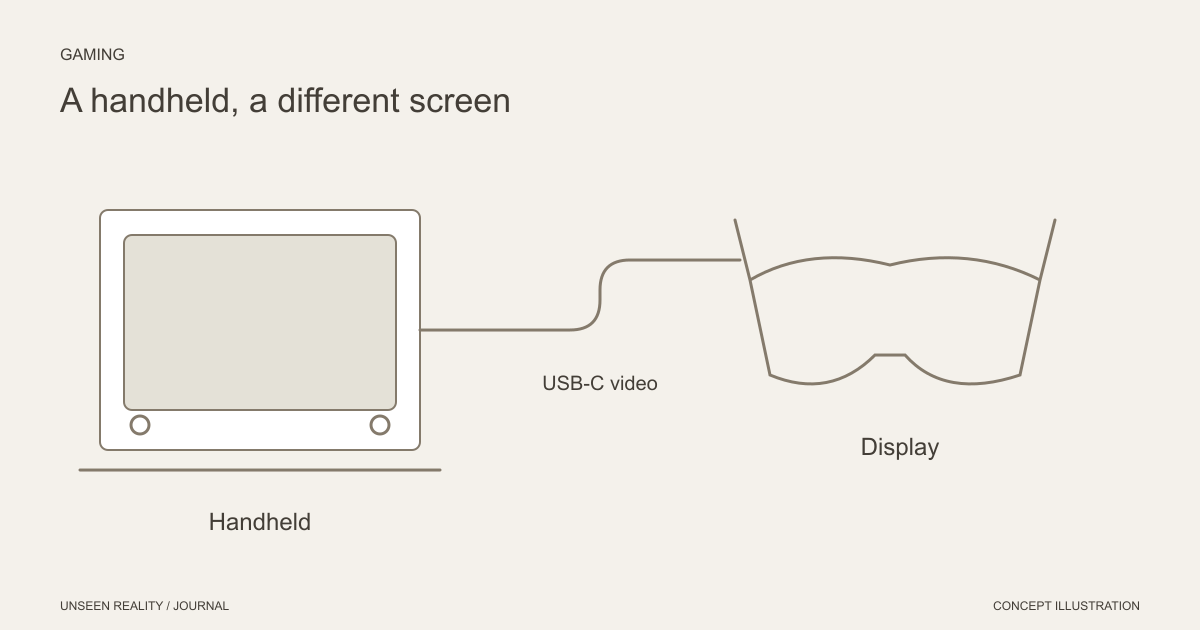
A handheld, a different screen: Handheld, USB-C video, and Display. Concept illustration.

Gaming

AR Glasses for Steam Deck: A Big Private Screen Anywhere

AR glasses turn a Steam Deck into a large private screen over one USB-C cable, for gaming on a plane, a couch, or in bed. Here is how it works and which glasses fit best.

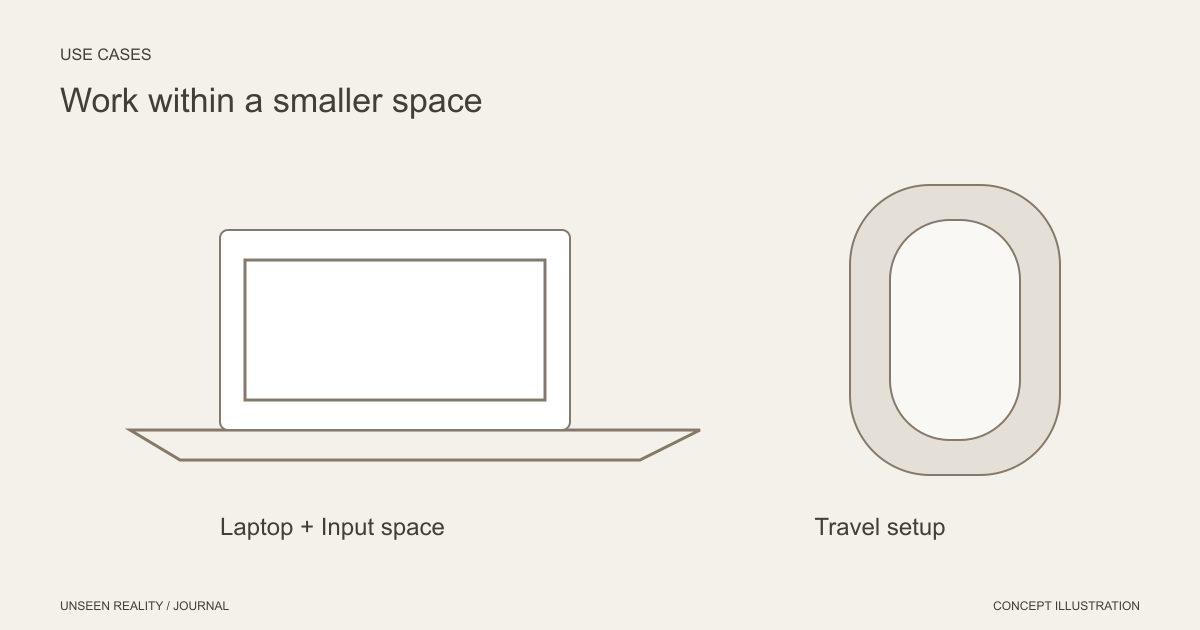
Work within a smaller space: Laptop, Input space, and Wearable display. Concept illustration.

Use Cases

The Best Glasses for Working on a Plane in 2026

Display glasses turn an airplane tray into a large private screen from a single laptop, so you can work or watch on a flight without a cramped seat-back display. Here is what to look for and the top picks.

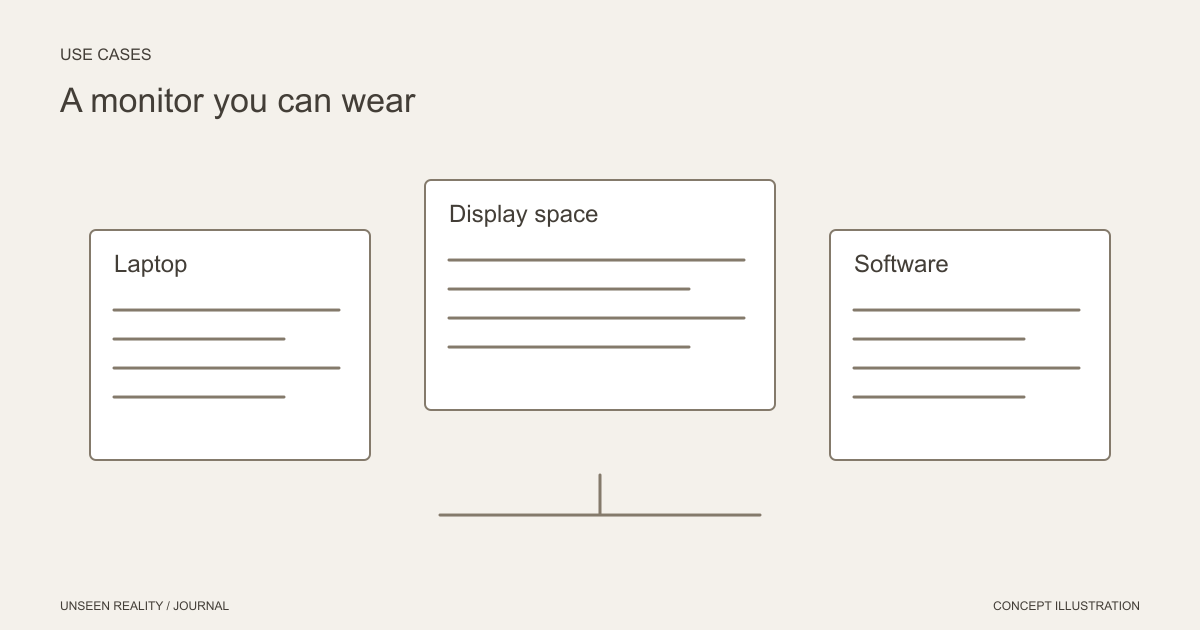
A monitor you can wear: Laptop, Display space, and Software. Concept illustration.

Use Cases

Virtual Monitor Glasses: How They Work and Which to Buy in 2026

Virtual monitor glasses replace physical monitors with large screens you wear, driven by a laptop or phone over USB-C. Here is how they work, what to look for, and the best options in 2026.

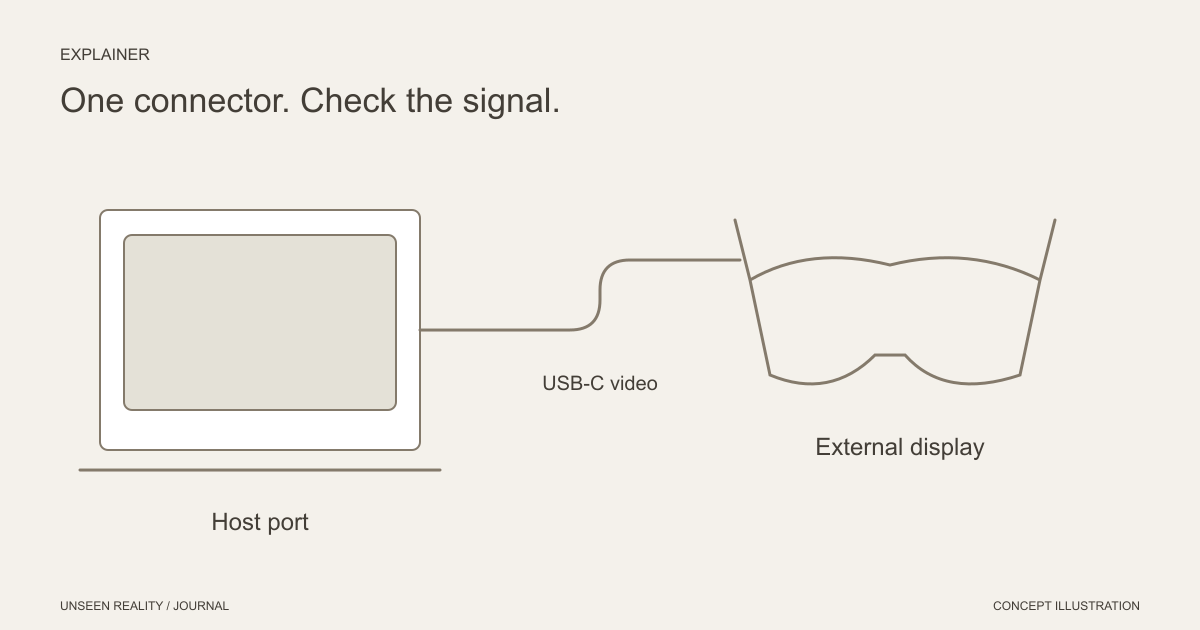
One connector. Check the signal.: Host port, USB-C video, and External display. Concept illustration.

Explainer

What Is DisplayPort Alt Mode (DP Alt Mode)?

DisplayPort Alt Mode lets a single USB-C port carry a real video signal, so one cable can drive a monitor or a pair of display glasses. Here is how it works and how to know if your device has it.

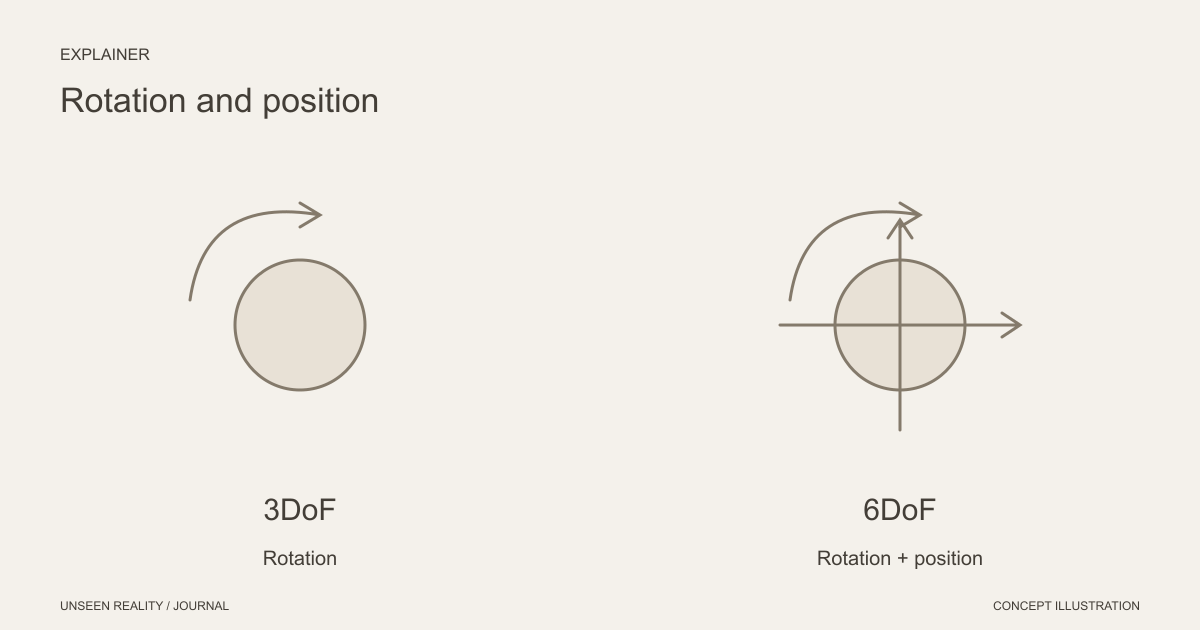
Rotation and position: 3DoF, Rotation, and 6DoF. Concept illustration.

Explainer

3DoF vs 6DoF: What Is the Difference in AR and VR Tracking?

3DoF tracks only how your head rotates; 6DoF also tracks how it moves through space, so virtual objects stay anchored as you lean and walk. Here is what each means and which AR glasses have it.

Front view of URXR One spatial display glasses.

Developers

AR Glasses for Coding: A Laptop Compatibility and Display Guide

Considering AR glasses for coding? Check laptop compatibility, code readability, power, tracking, and multi-screen software before choosing a wearable display.

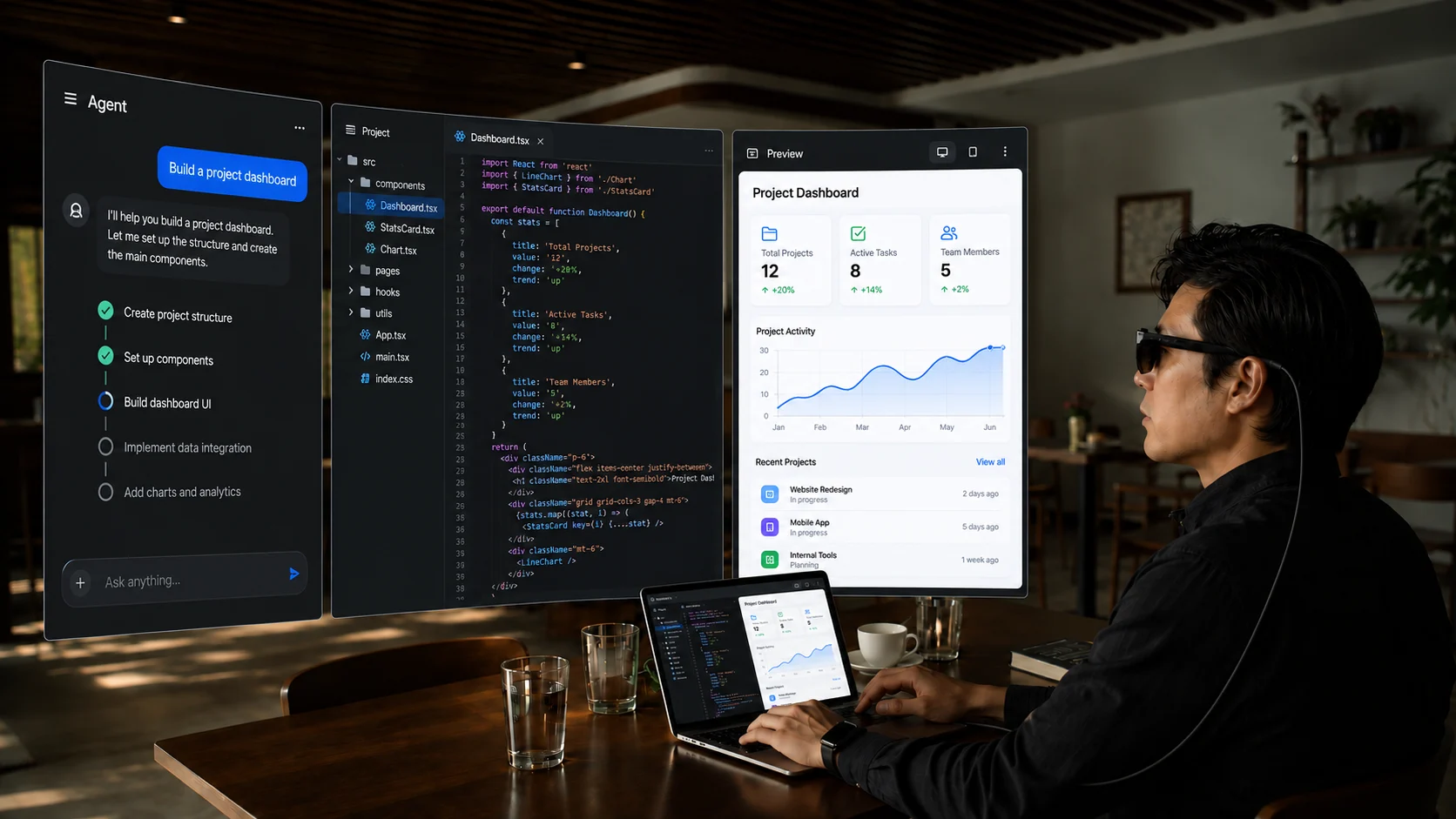
AI-generated scene of a developer wearing URXR One with an agent, editor, and preview.

Developers

Best Glasses for Vibe Coding: A Practical Buying Guide

Choose vibe coding glasses for Cursor, Claude Code, or Copilot. Check readable text, USB-C power, Direct mode, and multi-screen software before buying.

A closer look at code readability: Font size, Display scaling, and Optical fit. Concept illustration.

Developers

Can You Code With AR Glasses? Text, Power & Display Modes

Can you code with AR glasses? Check readable text, laptop video and power, and the difference between one display and a multi-monitor workspace.

A workspace without the desk: Editor, Documentation, and Preview. Concept illustration.

Developers

Multiple Monitors Without a Desk: The Hot-Desk and RTO Fix

You can get multiple monitors without a desk by wearing spatial-display glasses that project several virtual screens from one USB-C laptop, turning a hot desk, kitchen table, or airplane tray into a full workstation.

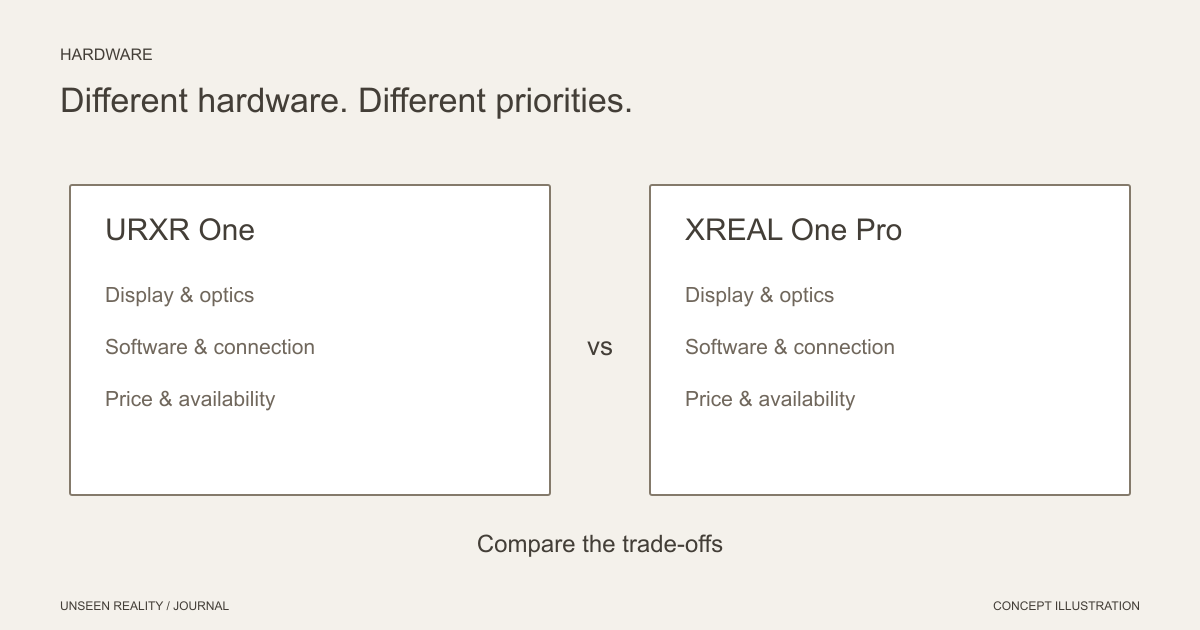
Different hardware. Different priorities.: URXR One, XREAL One Pro, and Compare the trade-offs. Concept illustration.

Hardware

URXR One vs XREAL One Pro: Viewing Glasses or Spatial Workspace?

The $599 XREAL One Pro is the best-selling AR viewing display; the $999 URXR One is a 6DoF spatial workspace with VST and a 90-degree FOV. Here is which one fits what you actually do.

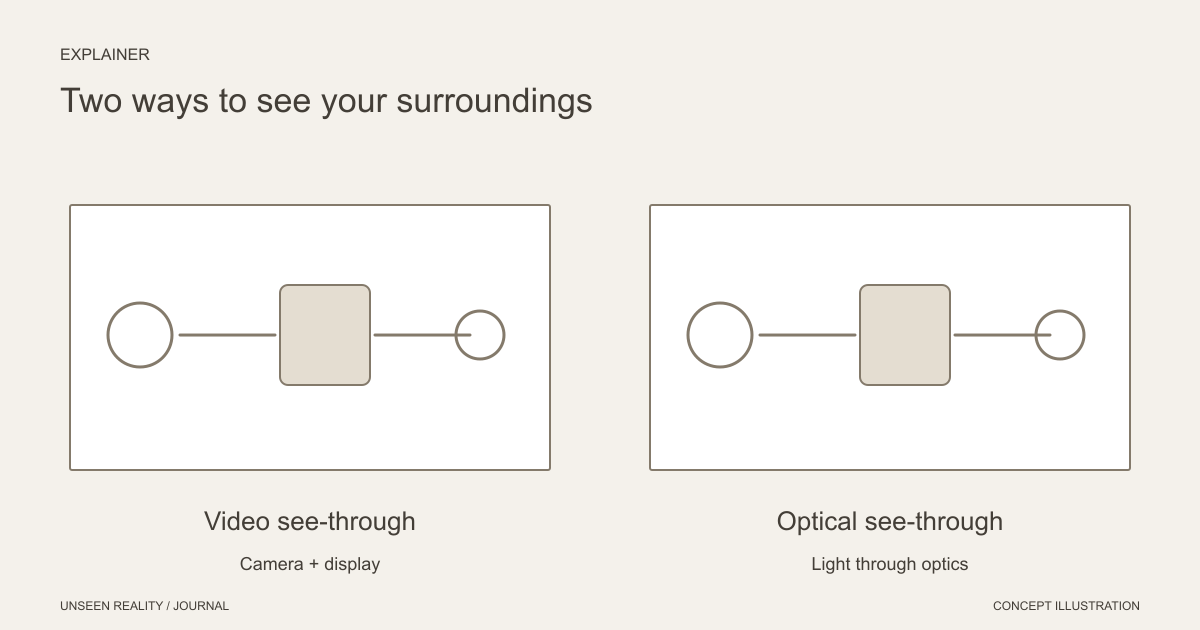
Two ways to see your surroundings: Video see-through, Camera + display, and Optical see-through. Concept illustration.

Explainer

VST vs OST: Video See-Through vs Optical See-Through Explained

VST captures the real world with cameras and redraws it on internal displays; OST lets you look through transparent optics. Here is how the two see-through methods differ and which AR glasses use each.

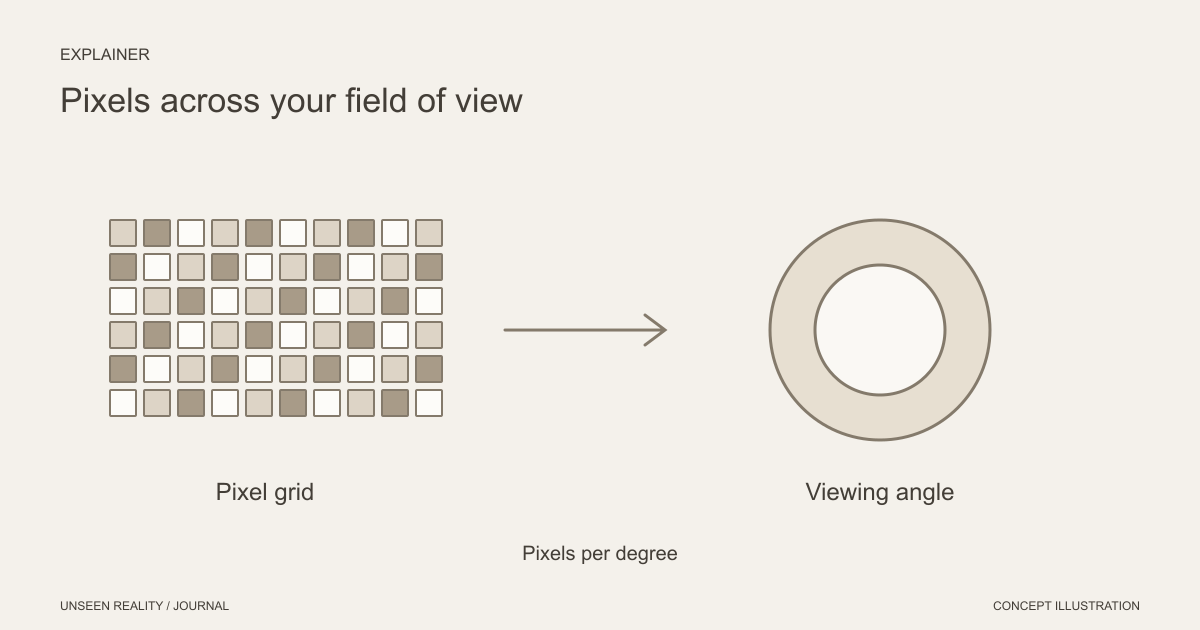
Pixels across your field of view: Pixel grid, Viewing angle, and Pixels per degree. Concept illustration.

Explainer

What Is PPD (Pixels Per Degree)? The Real Sharpness Spec for AR and VR

PPD (pixels per degree) is the number of pixels packed into one degree of your field of view, and it is the best single measure of how sharp AR glasses and VR headsets actually look.

Find the display that fits: Work, Media, and Gaming. Concept illustration.

Buying Guide

XREAL Alternatives: The Best AR Glasses Like XREAL One Pro in 2026

The best XREAL alternatives in 2026 are the URXR One for spatial work, the Viture Beast for cheaper movie viewing, and the ROG XREAL R1 for gaming. Here is how each compares to XREAL's One Pro.

Look beyond headset weight: Headset, Required accessories, and Complete kit. Concept illustration.

Hardware

Best Lightweight VR Headset 2026: The Honest Ranking

The lightest VR headset you can actually buy is 107 g. But every ultralight headset is a tethered PCVR device that needs base stations and a gaming PC. Here's what that really costs, and what most people should buy instead.

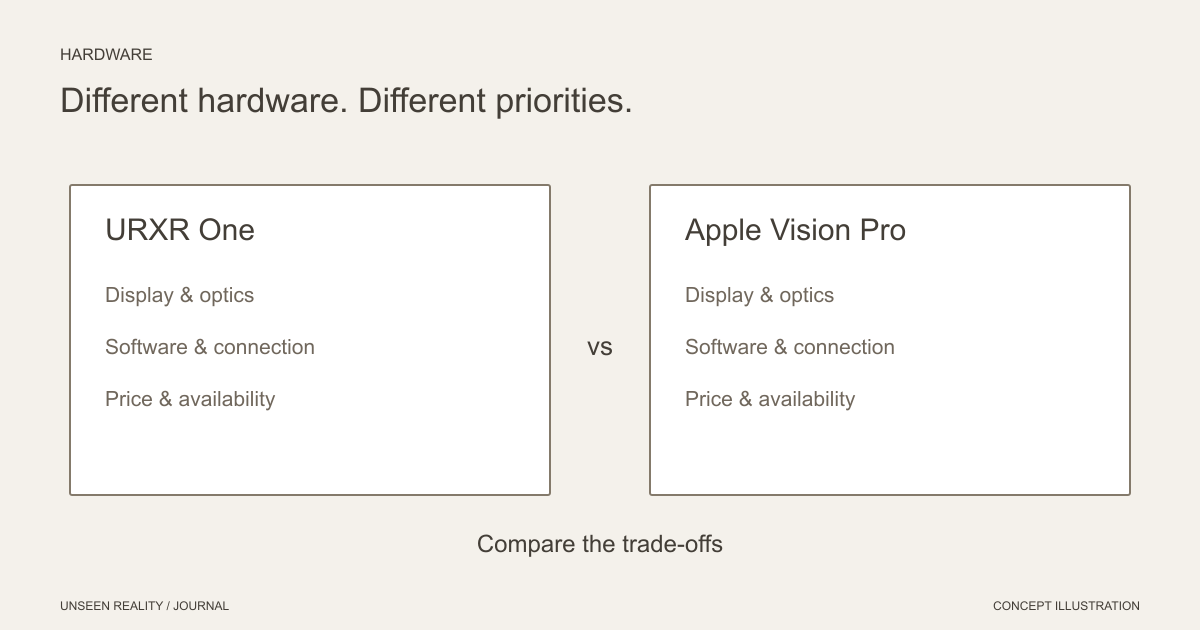
Different hardware. Different priorities.: URXR One, Apple Vision Pro, and Compare the trade-offs. Concept illustration.

Hardware

URXR One vs Apple Vision Pro: The Best Screen, or the One You'll Actually Wear?

The $3,699 Vision Pro has the finest virtual display money can buy. It also shows one Mac screen, needs an Apple silicon Mac, and weighs 750 g. The $999 URXR One makes a different trade.

Different hardware. Different priorities.: URXR One, Meta Quest 3, and Compare the trade-offs. Concept illustration.

Hardware

URXR One vs Meta Quest 3: Better Headset or Better Monitor?

The $599 Quest 3 is a standalone headset that can show monitors. The $999 URXR One is a 93-gram display you plug into the laptop you already own. Here's which one actually suits a working day.

Different hardware. Different priorities.: URXR One, ROG XREAL R1, and Compare the trade-offs. Concept illustration.

Hardware

URXR One vs ROG XREAL R1: Work Glasses or Gaming Glasses?

The ROG XREAL R1 is a 240 Hz gaming display with built-in Bose speakers. The URXR One is a higher-resolution spatial workspace for everything else you do all day. Here is which one fits you.

Different hardware. Different priorities.: URXR One, XREAL Aura, and Compare the trade-offs. Concept illustration.

Hardware

URXR One vs XREAL Aura: Plug-In Display or Android XR Puck?

The XREAL Aura is a self-contained Android XR computer at around $1,500. The URXR One is an $999 plug-in display with higher resolution that runs off gear you already own. Here is which one fits your setup.

Different hardware. Different priorities.: URXR One, VITURE Beast, and Compare the trade-offs. Concept illustration.

Hardware

URXR One vs Viture Beast: Spatial Workspace or Viewing Glasses?

The $549 Viture Beast is the best pure viewing glasses you can buy; the $999 URXR One is a 6DoF spatial workspace. Here's which category you actually need.

A closer look at URXR One

Explore the display, connection requirements, and software roadmap.

Explore the product ↗